
Purchasing and Installing an SFP to UF-RJ45-10G for EdgeRouter12 Load Balancing
This time, I wanted to try something called EdgeRouter12 Load Balance, so I bought an SFP to UF RJ45 10G.. Well... I just wanted to try it. Since it uses the sa
GGAMI
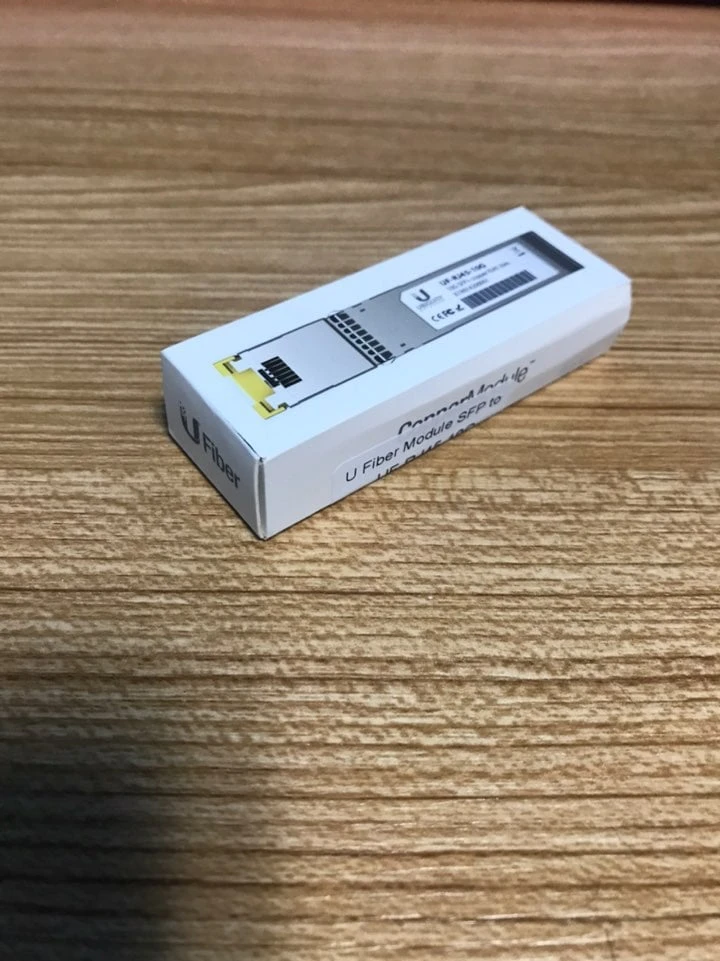
This time, I wanted to try something called EdgeRouter12 Load Balance, so I bought an SFP to UF RJ45 10G.. Well... I just wanted to try it. Since it uses the sa
Contents
This time, I wanted to try something called EdgeRouter12 Load Balance, so I bought an SFP to UF-RJ45-10G..
Well... I just wanted to try it. Since it uses the same internet connection anyway, it’s not really useful...
I bought it just because I wanted to give it a try, for no particular reason... It was more expensive than I expected. The 1G one wasn’t very expensive, but because I have an unnecessary obsession with equipment, I went with 10G..

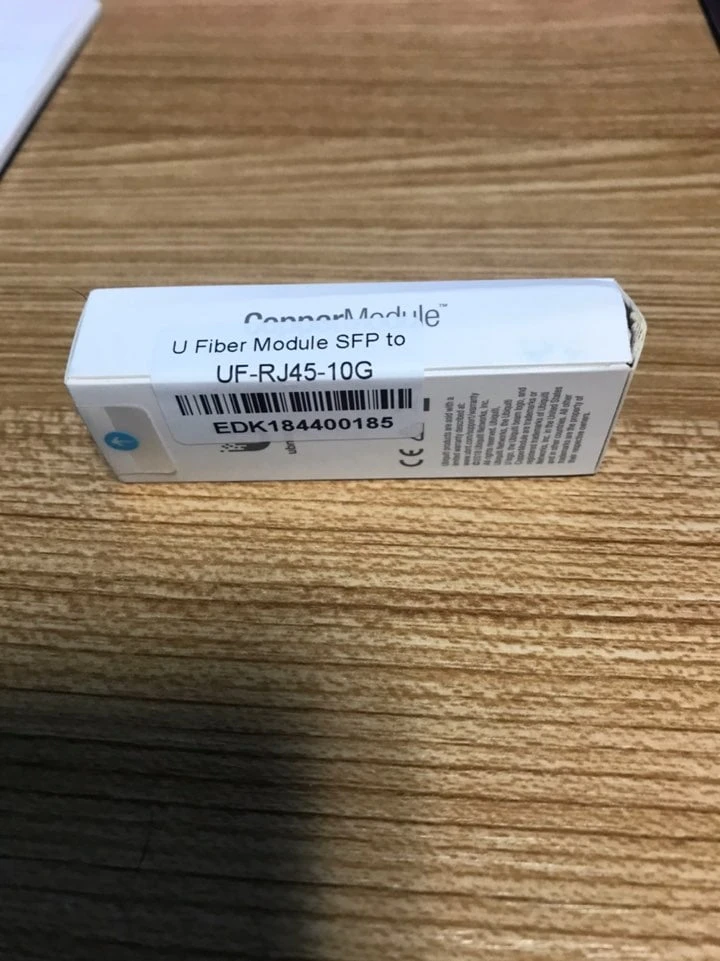
This is what it looks like.. Oh, I should’ve taken a picture after taking it out of the box, but I didn’t.. lol
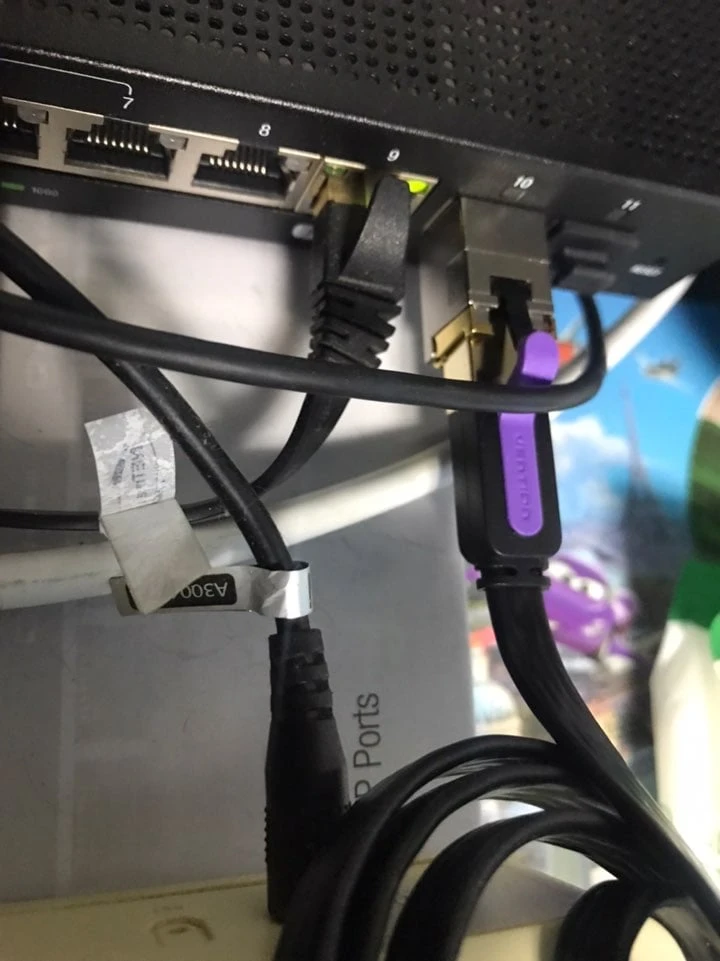
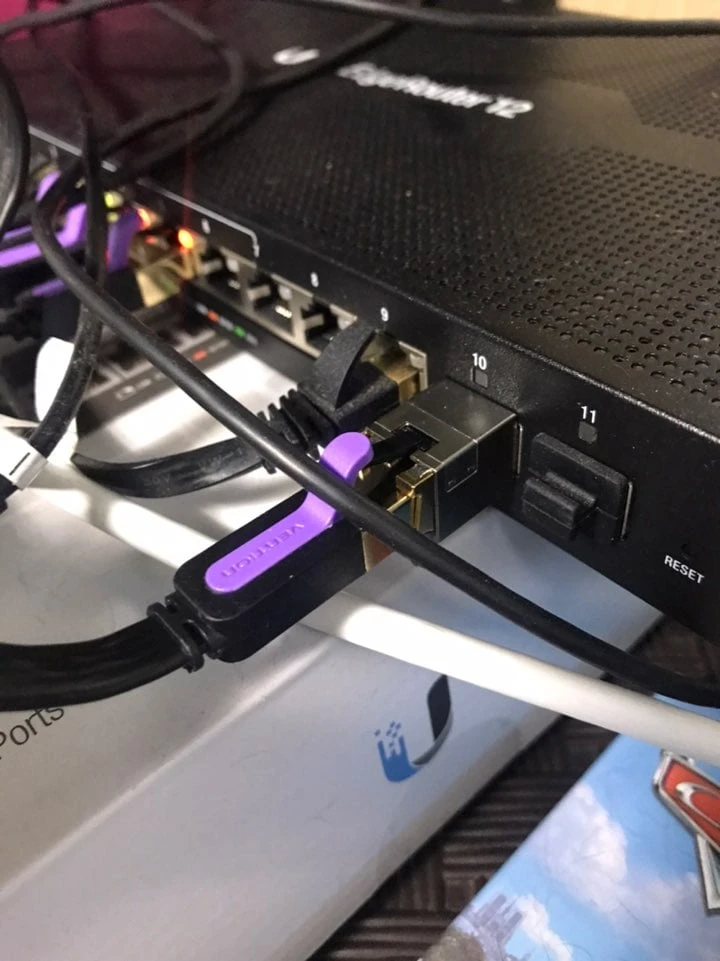
Okay... I turned it off and installed it... Actually, I had a cheap Chinese-made one that I bought earlier, so I installed that one.. It’s currently installed in port 11..
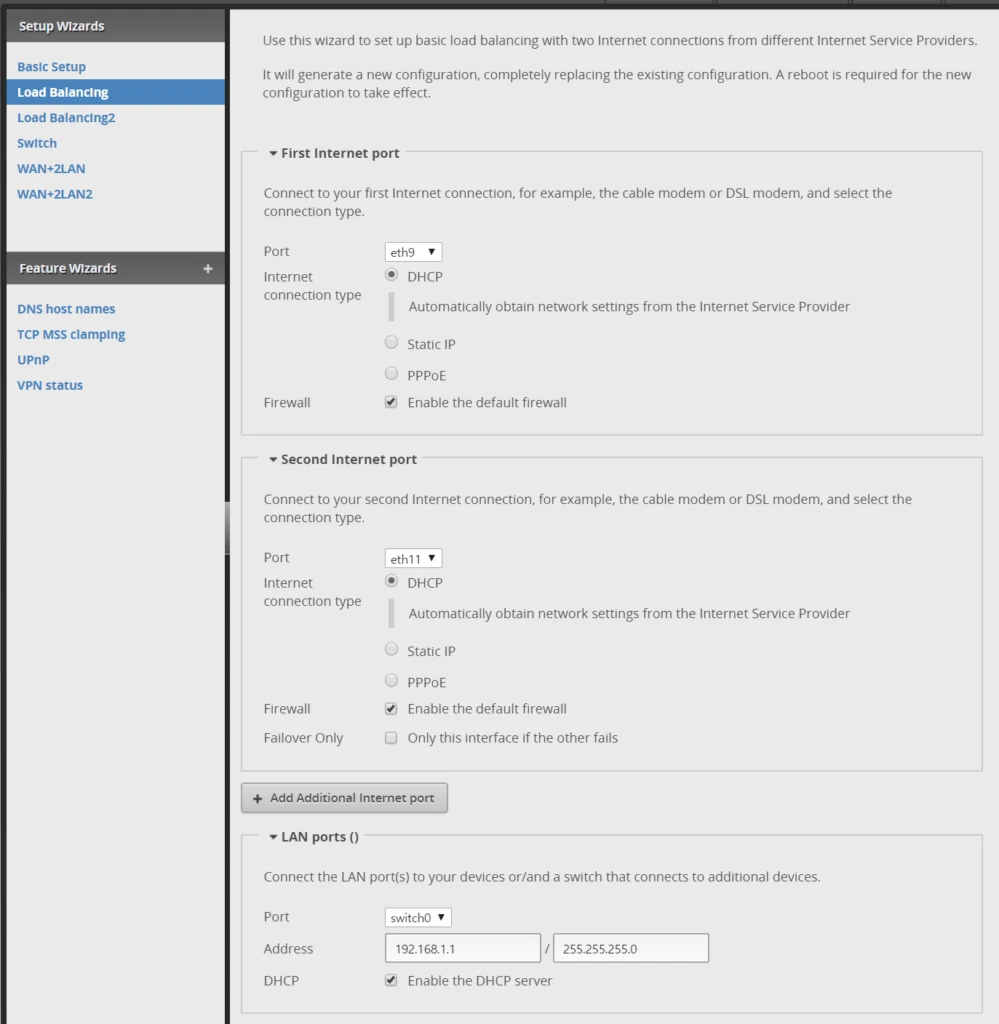
I just selected load balancing in the settings and set it up...
Now, in the console, enter:
show load-balance status
show load-balance watchdog
and it shows up properly... Looking at posts in the community, it seems there’s an issue with ubnt ping..
Let’s deal with that later.. (If it becomes a problem...?)
Okay... When I actually open the internet and connect multiple times, the external IP gets split between two IPs. Sometimes it’s A, sometimes it’s B.
But then I ran into a big problem...
I use a service that only allows connections from a specific IP (only IP A),
so because outbound connections kept alternating between A and B, I got an error whenever I connected using IP B...
To solve this problem... I posted in the community and, with help from an expert, finally managed to fix it.. (It took about 3 hours.... ㅜㅜ)
configure
set interfaces ethernet eth9 dhcp-options default-route-distance 10
commit
set firewall group address-group ETH9_IPS address 121.121.121.121
set firewall group address-group ETH9_IPS address 123.123.123.123
set firewall modify balance rule 135 action modify
set firewall modify balance rule 135 destination group address-group ETH9_IPS
set firewall modify balance rule 135 modify table main
commit
sudo conntrack -FI was able to fix it with the commands above...
show firewall group address-group ETH9_IPS
show ip route
show firewall modify balance
I haven’t studied networking, so it’s quite hard to understand,,, but maybe it basically assigns 100% to eth9, and when it’s one of those IPs, it skips load balancing and sends the traffic to main...? I’m not sure... lol
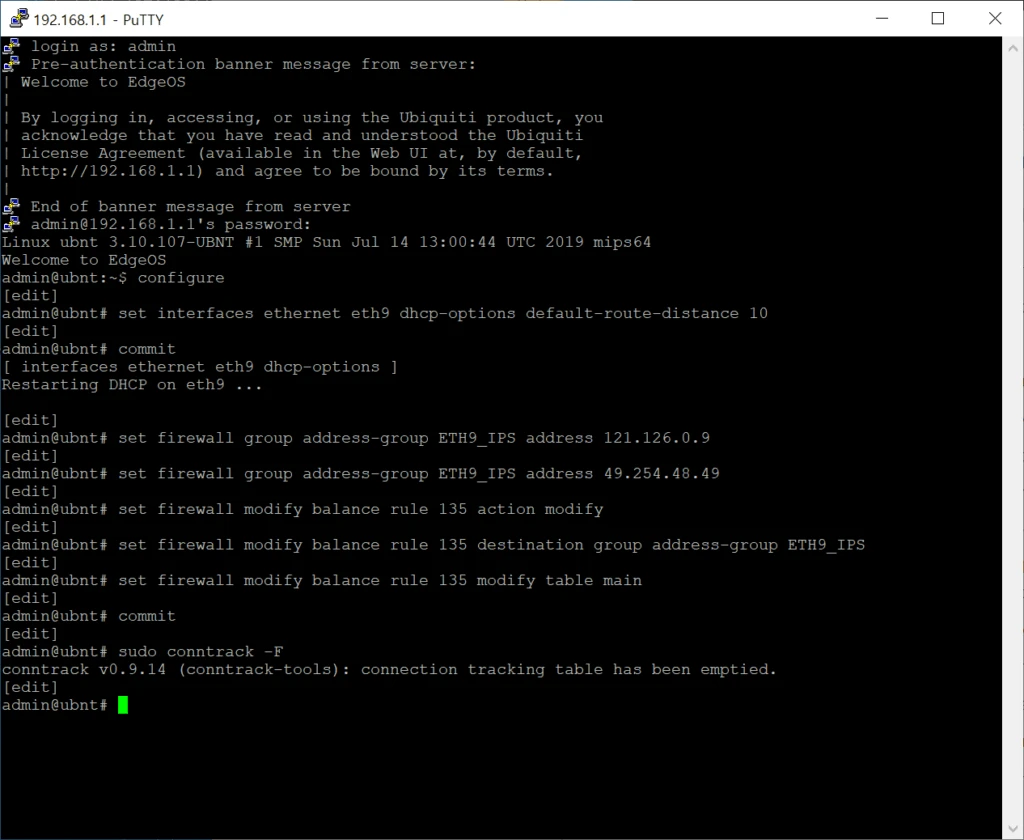

Anyway... Even deleting the IPs is a pain.
In any case, I’ve tried load balancing,,, and handling IP exceptions too..
I don’t know why I did this; I just wanted to try it, but I ended up doing this all night and barely got any sleep.. On top of that, at the end, the IP range changed from 192.168.2.101 to 192.168.1.101, but I didn’t realize it and forgot to add an IP exception in the firewall, which ended up blocking internal communication.. Because I completely forgot to update the exception after the IP range changed, I wasted another 2 hours on that... ㅠㅠ
Next time... if I ever reset the settings or anything, I should remember to refer to this post so I don’t waste time...
configure
set firewall group address-group ETH9_IPS address 1.1.1.1
set firewall group address-group ETH9_IPS address 2.2.2.2
commit
save