
Fixing the Problem of Being Unable to Enter the BIOS Through a DP Port
After updating the BIOS firmware, I ran into an unbelievable, maddening situation where I couldn't get into the BIOS. This started at 2 p.m. and wasn't resolved
GGAMI
After updating the BIOS firmware, I ran into an unbelievable, maddening situation where I couldn't get into the BIOS. This started at 2 p.m. and wasn't resolved
Contents
After updating the BIOS firmware, I ran into an unbelievable, maddening situation where I couldn't get into the BIOS.
This started at 2 p.m. and wasn't resolved until 3 a.m....
I knew that DDR5 runs a DRAM memory training test, which can take a long time with my 128 GB, fully populated configuration, so I waited for 20–30 minutes. But there was no luck.
So I eventually updated it using Q-FLASH. After that, Windows would start, but Docker wouldn't (because virtualization wasn't enabled).
Anyway, here's what I found after searching around.
The motherboard manufacturer's logo does not appear when the computer boots.
Pressing F2 or Del does not bring up the BIOS screen.
Press F2 or Del to enter the BIOS, then check whether the light next to BOOT on the motherboard is RED. If it is, connect just one monitor and turn it off and back on to fix the problem.
I have three 32-inch Dell monitors, but the problem wasn't fixed even after trying HDMI cables and different DP cables. From what I found after searching around, it seems to be caused by compatibility issues between the motherboard, graphics card, and monitor.
I lost almost 12 hours to this problem. I even wondered if I should buy a portable monitor and placed an order, but I finally managed to find a solution.
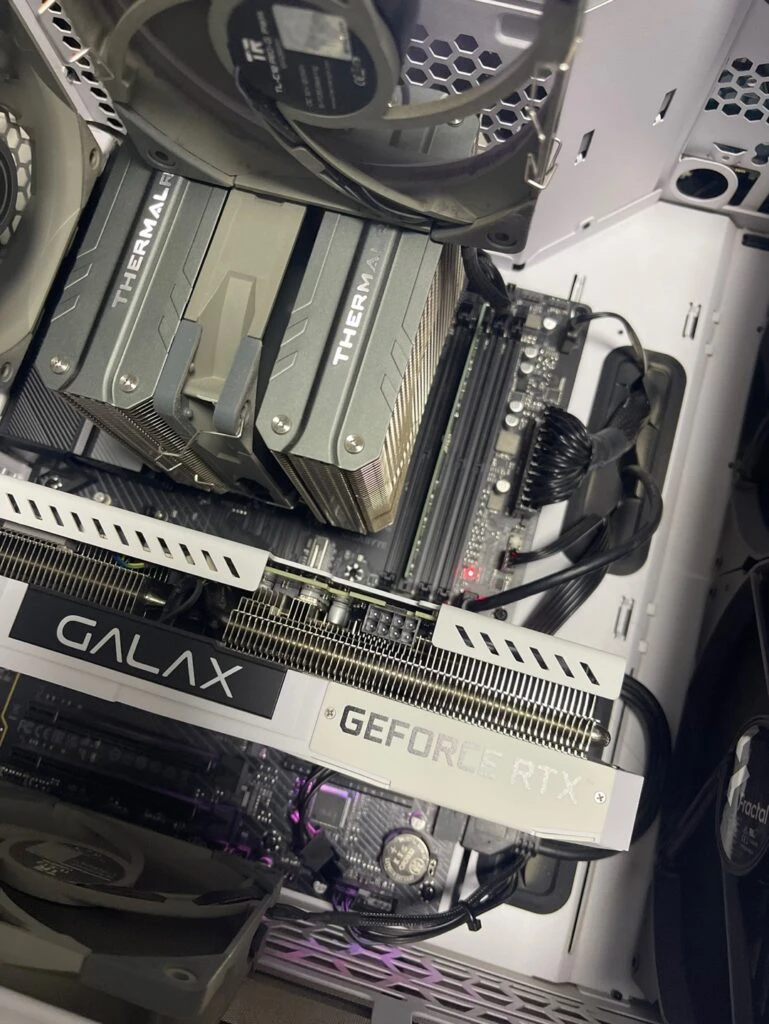
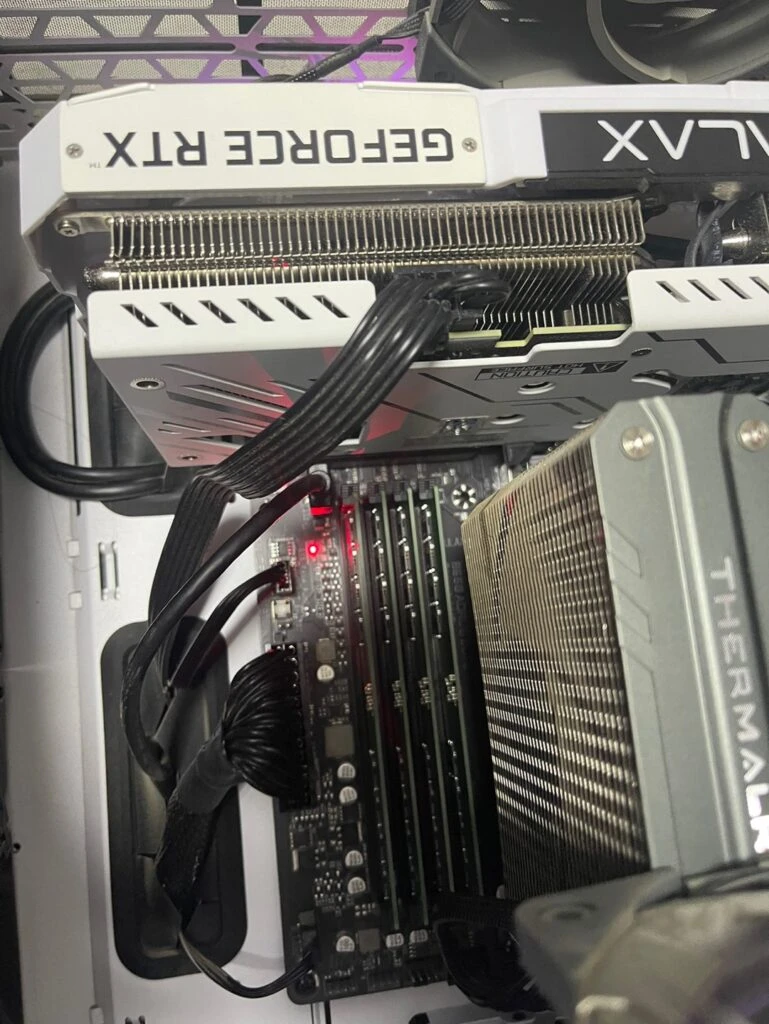
RED light stays on at BOOT (while in the BIOS)
After I changed a few monitor settings, the BIOS screen would appear and disappear. (That's how I figured it out.)
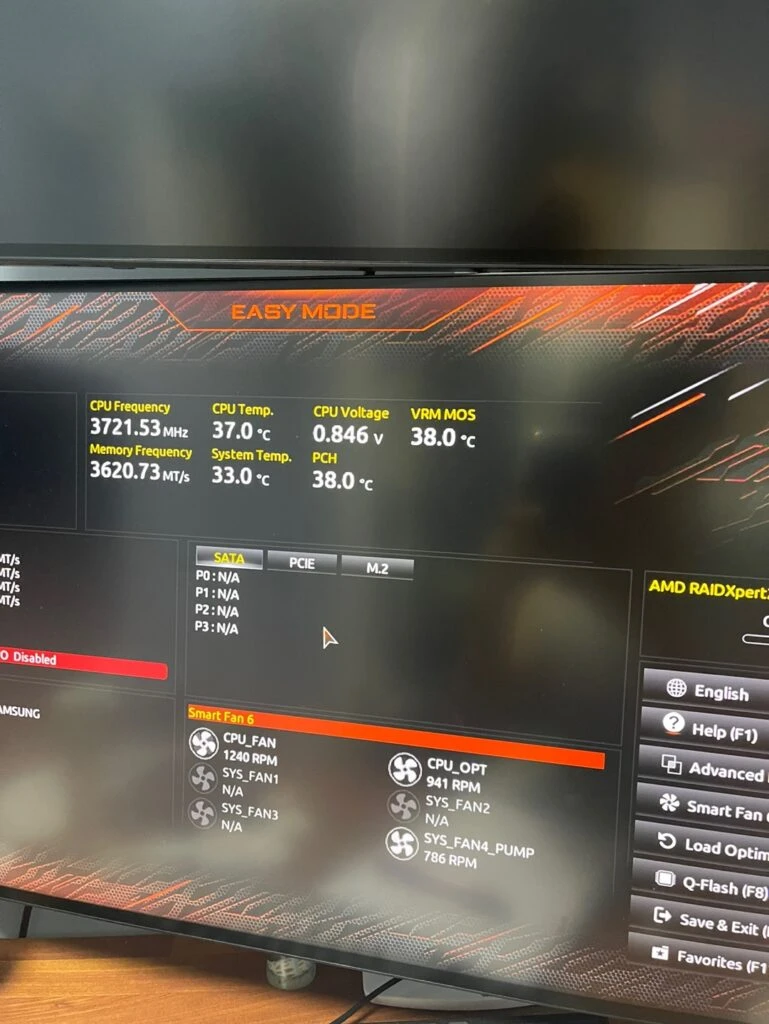
After turning the monitor off and back on, the BIOS screen appeared.
I've worked in computer repair for quite a long time at places like large corporations and hospitals, and the one thing I could never fix was being unable to enter the BIOS through a DP port, or having no image appear only on a monitor connected through a DP port. Since they mainly use prebuilt computers from large manufacturers, I called out the companies' on-site service technicians dozens of times, but they ultimately couldn't fix it either;; At first, we replaced cables because we thought it was a compatibility issue. We even reached the point where we had to replace the monitor, graphics card, and eventually even the motherboard, but in the end, nobody could solve it. Ugh;; I even sourced dozens of genuine cables from overseas for DP port testing and tried connecting them all, but it was no use.. Yet the computers that do work run perfectly without errors, no matter what you do.