Open Terminal with a Right-Click on a MacBook (Use It Like Windows)
Ah\ \ I've been gradually trying to use a MacBook, but... People who are used to Windows often need to open Terminal directly in a specific folder and enter Doc
GGAMI

Ah~~ I've been gradually trying to use a MacBook, but... People who are used to Windows often need to open Terminal directly in a specific folder and enter Docker commands or other commands.
On a Mac, though, you have to enter the path directly in Terminal, which can be incredibly tedious.
So the app I found is https://apps.apple.com/kr/app/%E8%B6%85%E7%BA%A7%E5%8F%B3%E9%94%AE-irightmouse/id1497428978?mt=12.
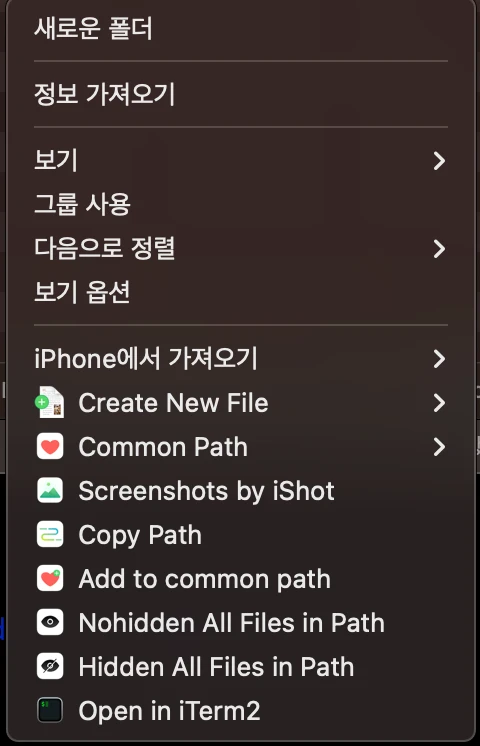
 After installing the app, you can add and configure menu items that appear when you right-click.