
Applying JSON-LD Schema to a Blog
Applying JSON-LD I've always wondered whether JSON-LD schema actually has a positive effect on SEO. I wanted to try it, but didn't have time, and only got aroun
GGAMI
Applying JSON-LD I've always wondered whether JSON-LD schema actually has a positive effect on SEO. I wanted to try it, but didn't have time, and only got aroun
Contents
 I've always wondered whether JSON-LD schema actually has a positive effect on SEO.
I wanted to try it, but didn't have time, and only got around to implementing it today.
But for things like comments, reviews, or product information, details such as prices need to be included, so I understand that it's best to make JSON-LD implementation essential.
However, I tried it out to see how it would work for a blog, even though it's my first time, and we'll be able to see the results over time.
When applying JSON-LD, they say that even if it has been escaped with \ like above, it is interpreted correctly by the JSON-LD parser. I wondered if this might be a problem, so I searched extensively, from GPT to Google, but in the end GPT said there was no problem, so I decided to leave it at that.
Google said to add it for this issue, so I just added it.
->setProperty('query-input', 'required name=search_term_string'){
"@context": "https:\/\/schema.org",
"@type": "CollectionPage",
"name": "GGAMI.NET-dev : 개발",
"url": "https:\/\/ggami-dev.net\/categories\/dev?page=4",
"mainEntity": {
"@type": "ItemList",
"itemListElement": [{
"@type": "ListItem",
"position": 1,
"url": "https:\/\/ggami-dev.net\/posts\/159"
}, {
"@type": "ListItem",
"position": 2,
"url": "https:\/\/ggami-dev.net\/posts\/154"
}, {
"@type": "ListItem",
"position": 3,
"url": "https:\/\/ggami-dev.net\/posts\/152"
}, {
"@type": "ListItem",
"position": 4,
"url": "https:\/\/ggami-dev.net\/posts\/149"
}, {
"@type": "ListItem",
"position": 5,
"url": "https:\/\/ggami-dev.net\/posts\/148"
}, {
"@type": "ListItem",
"position": 6,
"url": "https:\/\/ggami-dev.net\/posts\/144"
}, {
"@type": "ListItem",
"position": 7,
"url": "https:\/\/ggami-dev.net\/posts\/140"
}, {
"@type": "ListItem",
"position": 8,
"url": "https:\/\/ggami-dev.net\/posts\/139"
}, {
"@type": "ListItem",
"position": 9,
"url": "https:\/\/ggami-dev.net\/posts\/138"
}, {
"@type": "ListItem",
"position": 10,
"url": "https:\/\/ggami-dev.net\/posts\/124"
}, {
"@type": "ListItem",
"position": 11,
"url": "https:\/\/ggami-dev.net\/posts\/119"
}, {
"@type": "ListItem",
"position": 12,
"url": "https:\/\/ggami-dev.net\/posts\/116"
}]
}
}I applied it as CollectionPage. It says that a parameter value can be included in the URL for CollectionPage.
So I applied it by adding a parameter like categories/dev?page=4.
{
    "@context": "https:\/\/schema.org",
    "@type": "BlogPosting",
    "mainEntityOfPage": {
        "@type": "WebPage",
        "inLanguage": "ko",
        "id": "https:\/\/ggami-dev.net\/posts\/220"
    },
    "headline": "laravel model casts 에서 laravel data collection 사용하는 방법",
    "articleBody": "모델의 배열을 커스텀 데이터 컬렉션으로 캐스팅하는 방법을 알려드립니다. 코드 한 줄로 강력한 데이터 관리를 경험해 보세요.",
    "articleSection": "[\"\\uac1c\\ubc1c\"]",
    "keywords": ["Laravel 모델 캐스팅", "Laravel Collection 사용법", "Laravel DataCollection 클래스", "ConfigValueData 컬렉션", "Laravel Eloquent 캐스트"],
    "author": {
        "@type": "Person",
        "name": "GGAMI"
    },
    "publisher": {
        "@type": "Organization",
        "name": "GGAMI.NET-dev",
        "url": "https:\/\/ggami-dev.net"
    },
    "datePublished": "2024-03-15T15:14:25+00:00",
    "dateModified": "2024-03-15T15:14:25+00:00"
}
This is how I implemented it.
That completes the JSON-LD schema setup.
But honestly, I'm not really sure whether this schema setup is correct. Since I've registered it for now, I guess I'll have to wait and see how much it affects rankings over time—or whether it has any effect at all.
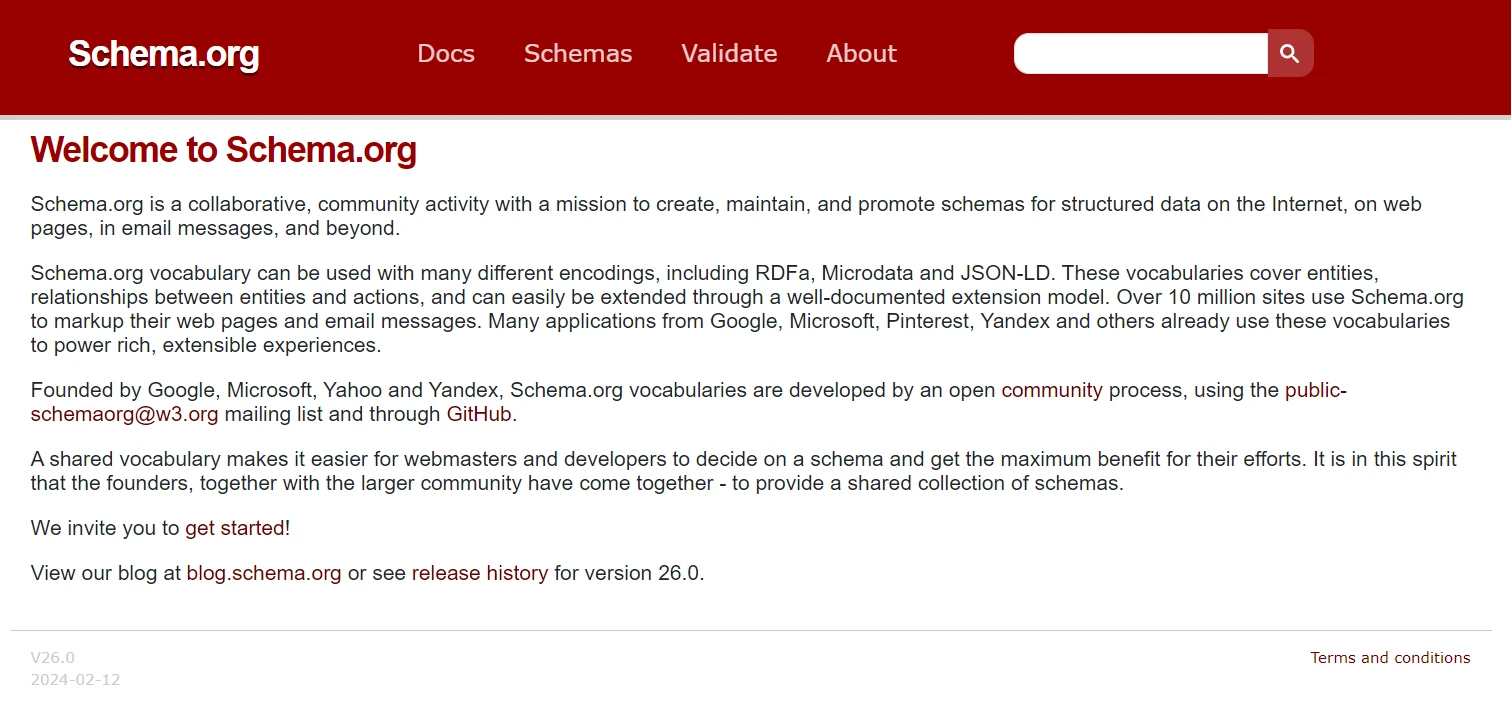
For reference, testing can be done at
these two sites.