Installing adb on Windows
I needed to install adb on Windows. So, I'll explain how to do it. At first, I tried to install it easily using <https://community.chocolatey.org/packages/adb ,
I needed to install adb on Windows.
So, I'll explain how to do it.
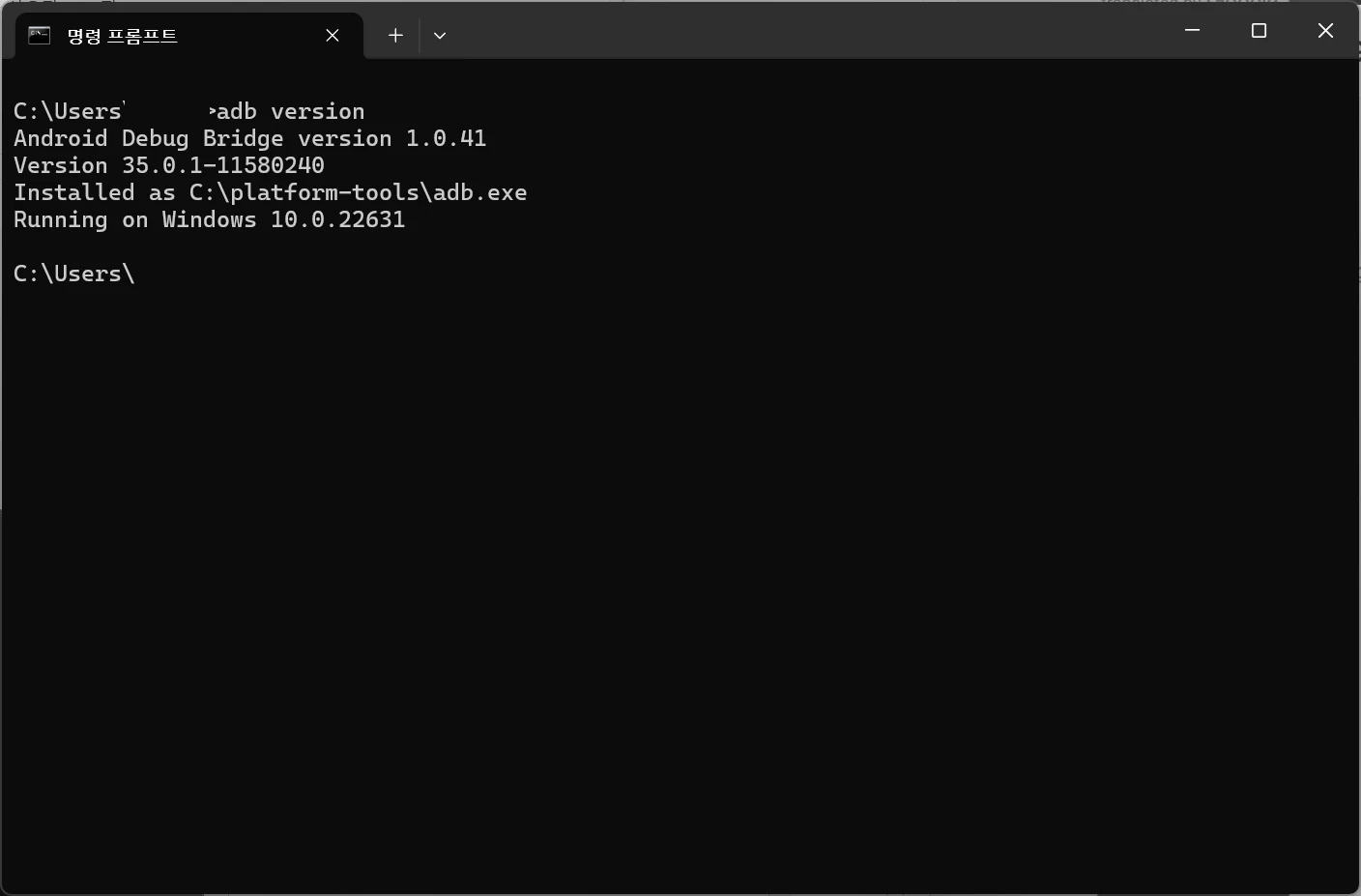
At first, I tried to install it easily using https://community.chocolatey.org/packages/adb, but it wasn't updated to the latest version, 35.0.1, so I'll document how to install it directly from the official website instead.
https://developer.android.com/tools/releases/platform-tools?hl=ko
When you download it from the link above, the file platform-tools-latest-windows.zip will be downloaded.
Extract the archive and place the folder at the following path:
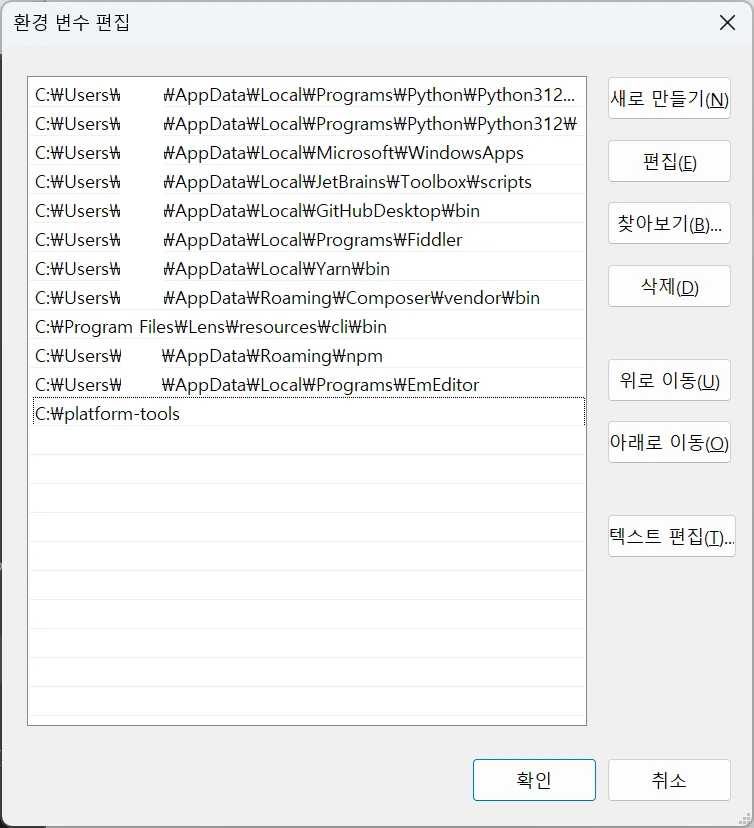
C:\platform-tools
Go to My Computer - System Properties - Environment Variables - User variables: Path, and add C:\platform-tools.