When the ✂prettier:content✂ problem occurs when reformatting .svelte code in WebStorm
I don't know how many days I've spent struggling with this problem. As I explained in an earlier post, compatibility between Prettier, ESLint, .svelte, and so o
GGAMI·
✂prettier:content✂
I don't know how many days I've spent struggling with this problem.
As I explained in an earlier post, compatibility between Prettier, ESLint, .svelte, and so on isn't as good as you'd expect in IntelliJ.
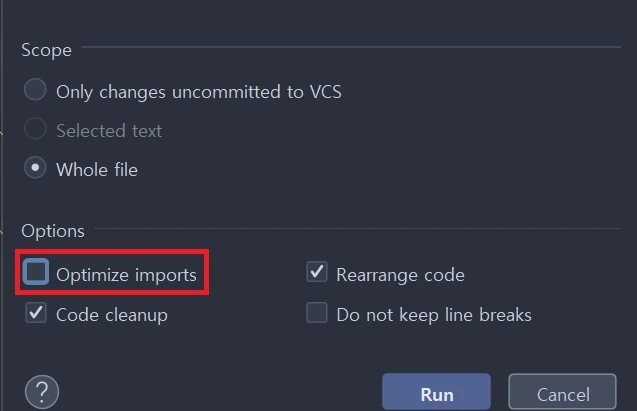
In an earlier blog post, I said this could be fixed by disabling this option,
but there was the absurd case where the problem still occurred with certain .svelte files.
So I looked into this problem, and it turned out to be an issue with the IDE editor and Prettier.
To explain:
When you open the .prettierrc file,
a message like this appears at the top. If you select YES in this message,
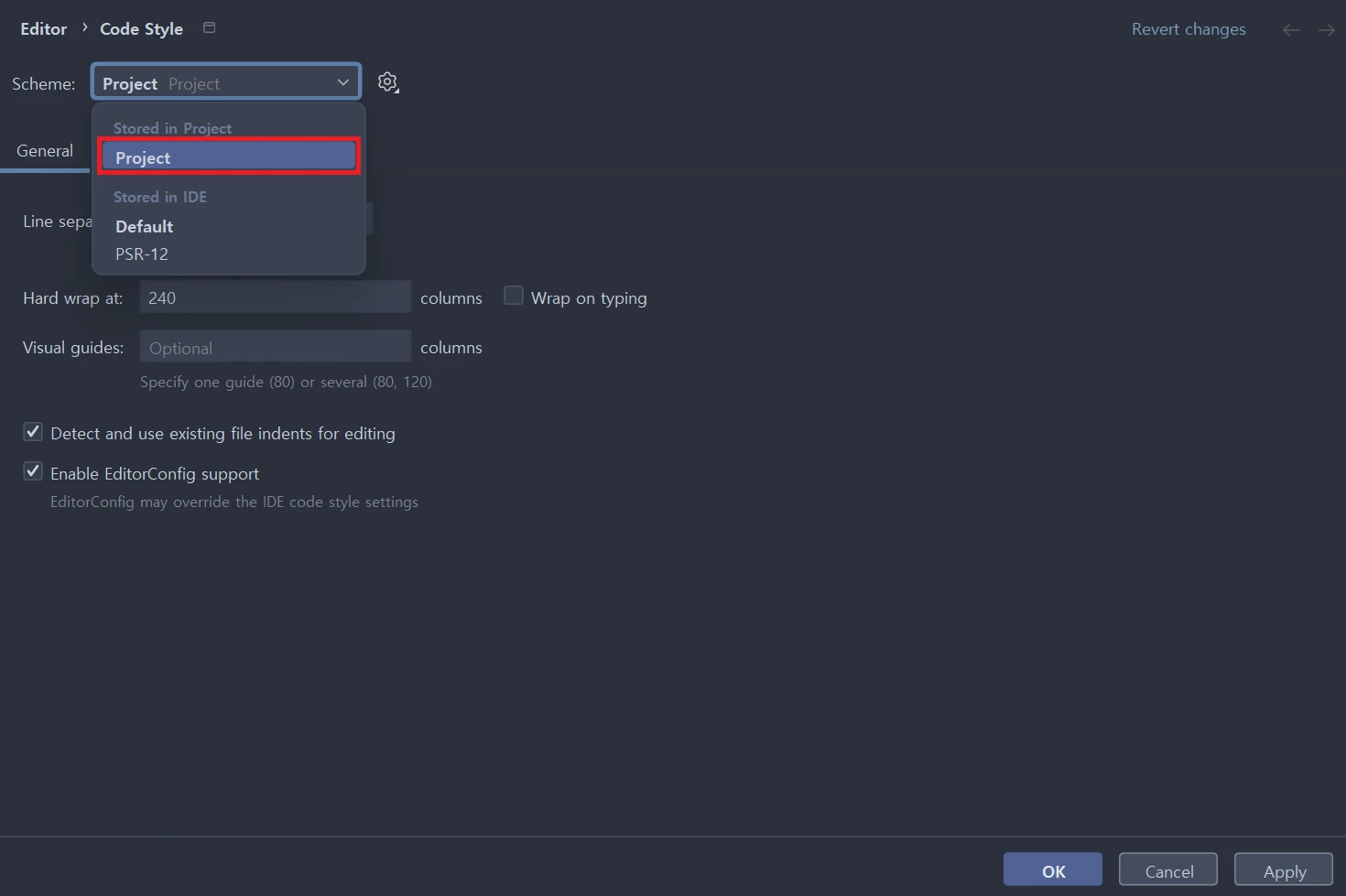
the code style in question is changed to Project like this...
The additional error occurred after the Prettier settings were applied to Project Code Style.
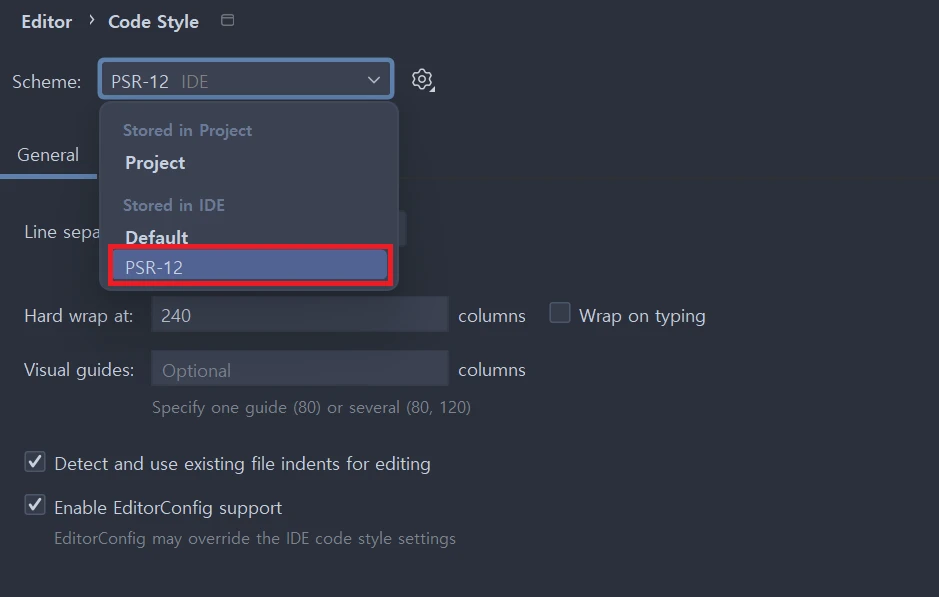
So this value
should simply be set to the value using the PSR-12 rules that I originally used.
The really absurd thing is that
when you reformat code, it automatically applies the Prettier settings too.
But if you put those settings into Code Style, an error occurs.
So I exported the PSR-12 settings I was using to .editorconfig,
and also exported the Project settings with Prettier applied to .editorconfig,
then diffed the two values, but couldn't find anything that would cause the ✂prettier:content✂ error.
So, if you want to use Prettier and reformat code without any problems,
just use the values I set for Code Style,
and don't enable .prettierrc in the Use code style based on Prettier for tihs project? file.
When using WebStorm or PhpStorm, I only use PHP, so this wasn't much of a problem (and, for reference, .vue has no problems either).
But when I tried to use .svelte or use Prettier and ESLint, there seemed to be a lot of difficulties.
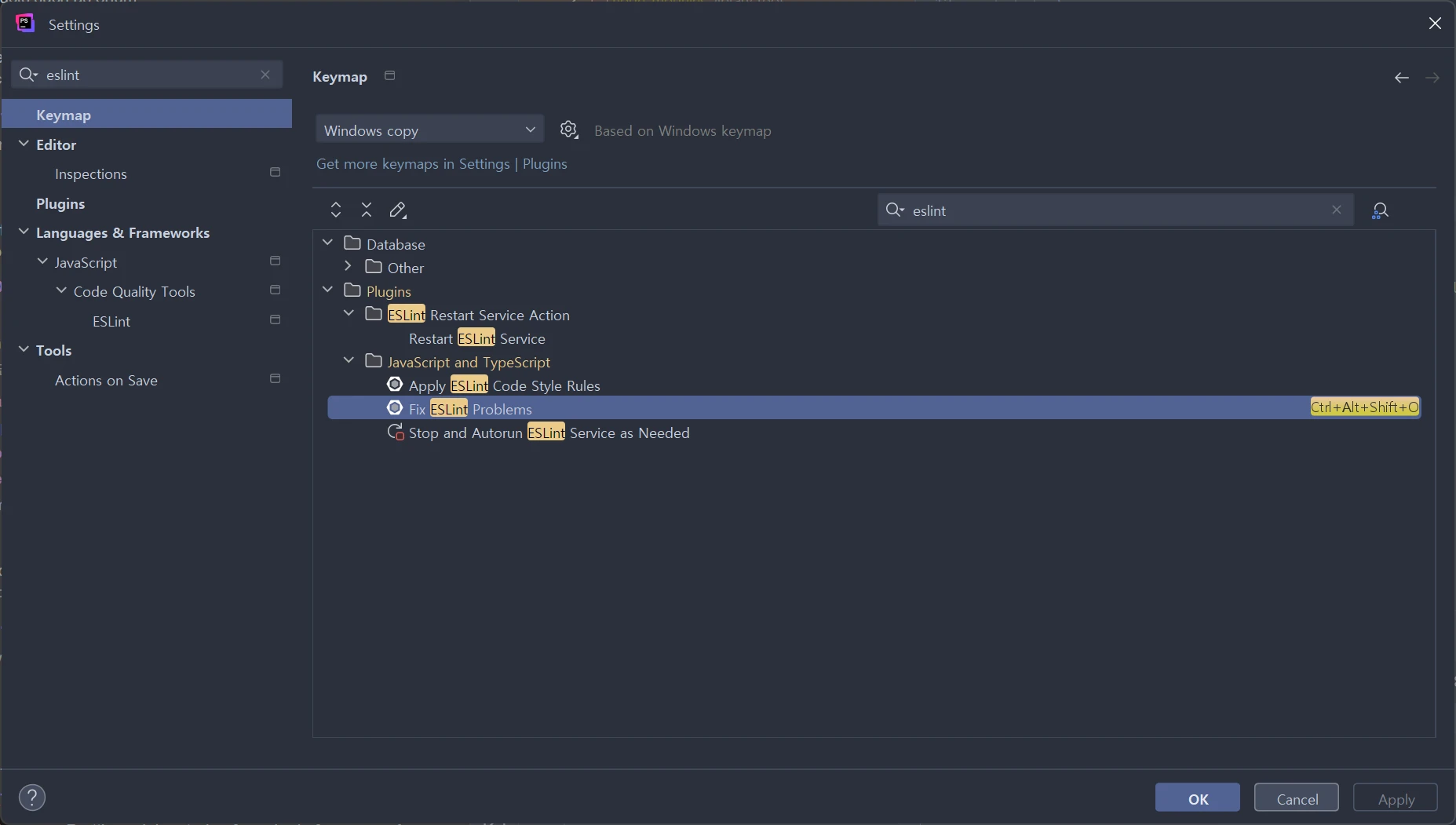
And one more thing... I set up a keymap for Fix ESLint Problems
like this, using Ctrl+Alt+Shift+O.
That's because Reformat wtih Prettier is assigned to Ctrl+Alt+Shift+P by default, so I set it to the O key.
Anyway, I configured the IntelliJ IDE editor so I can use Svelte with Prettier and ESLint as much as possible.
If there aren't any major problems, I think I'll just code in IntelliJ.

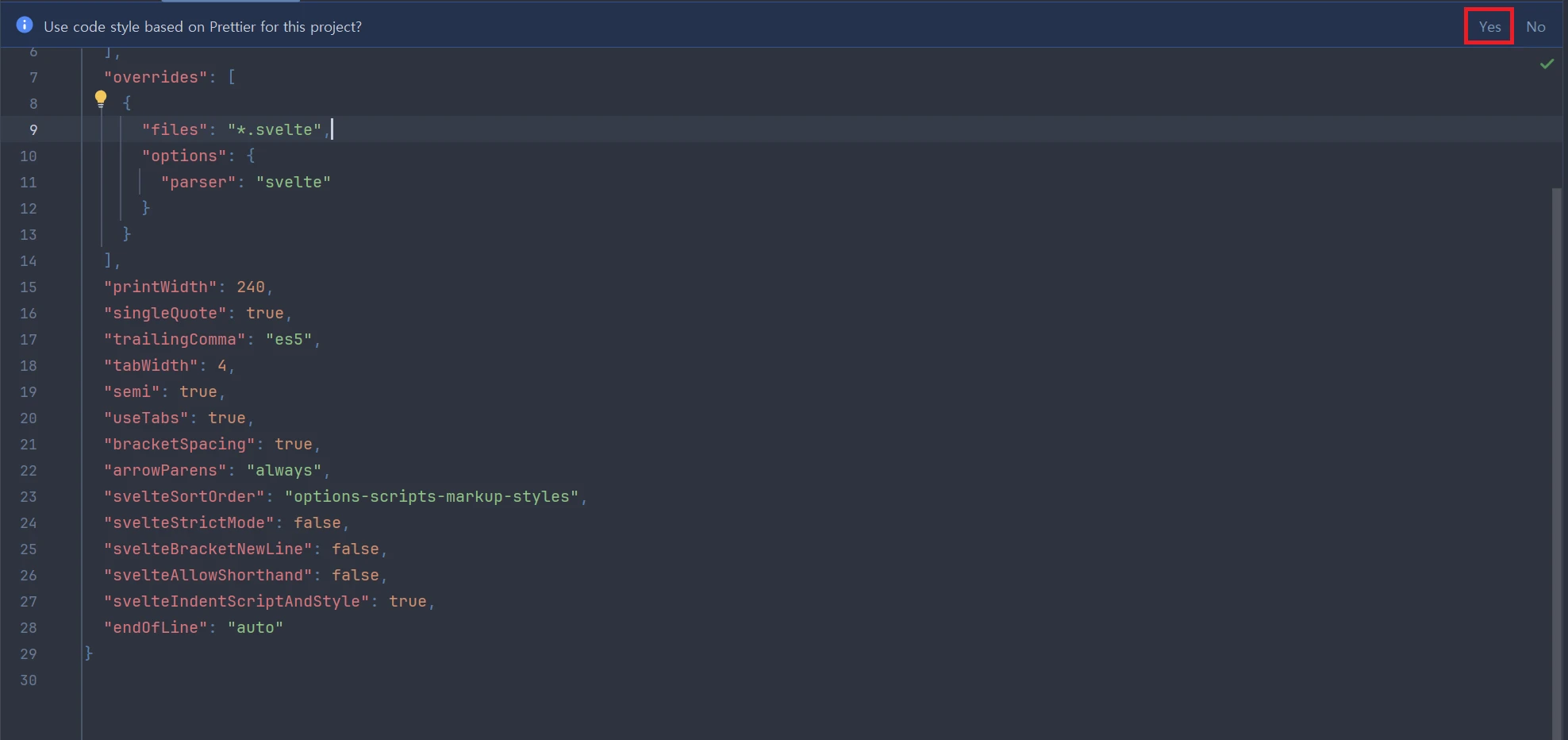 a message like this appears at the top. If you select