Setting Up a Build Environment for Expo on Windows
While developing with NativeScript, I eventually gave up because there were too many things, such as various packages, that were no longer maintained, and decid
GGAMI
While developing with NativeScript, I eventually gave up because there were too many things, such as various packages, that were no longer maintained, and decid
Contents
While developing with NativeScript, I eventually gave up because there were too many things, such as various packages, that were no longer maintained, and decided to develop with React Native instead.
npx expo start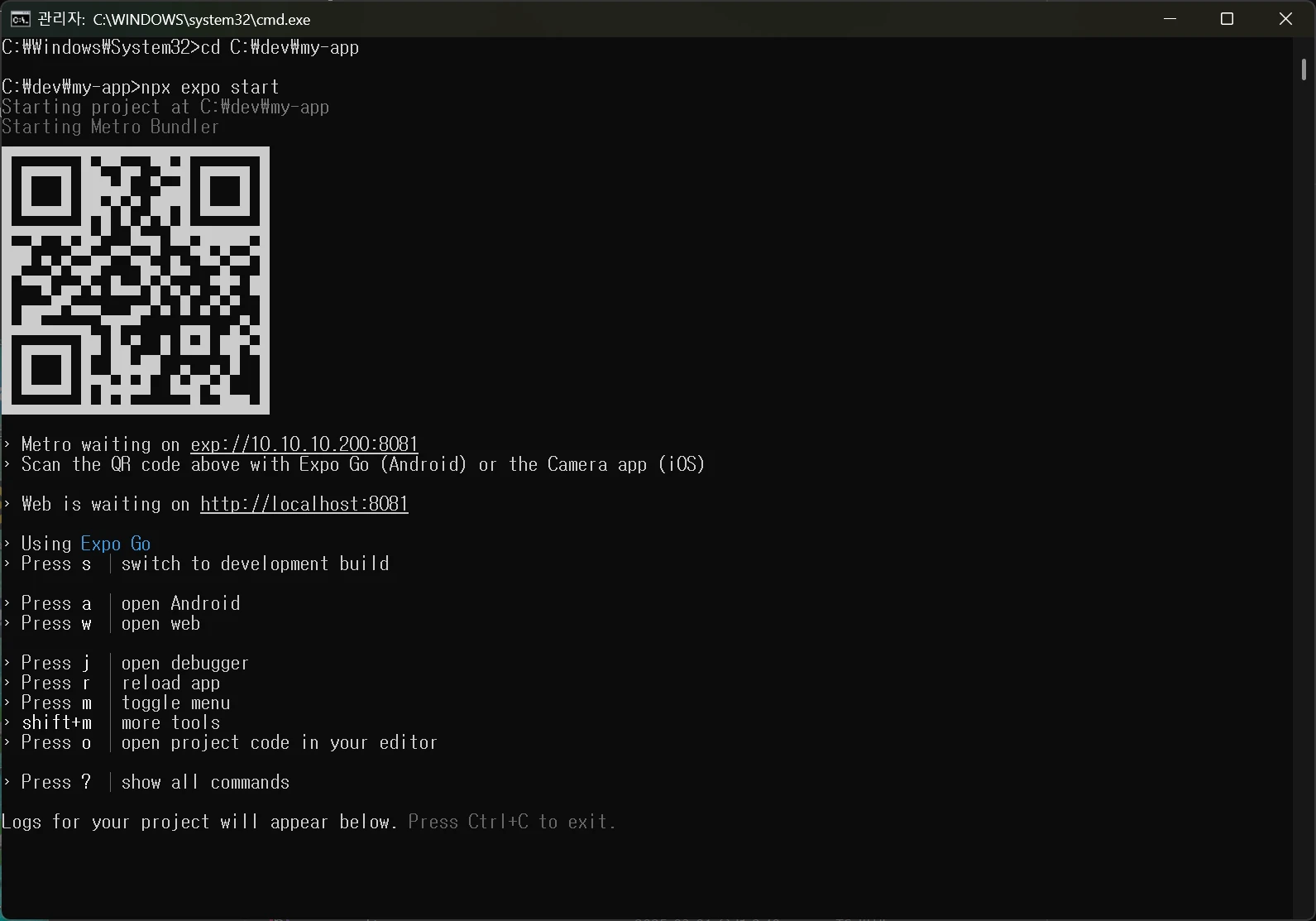 A QR code will appear like this. Scan it with the camera on an Android or iOS device to connect through the EXPO GO app.
You need to install JAVA to build for Android with React Native.
choco install -y microsoft-openjdk17You can install JDK 17 using choco.
Then enter the build command.
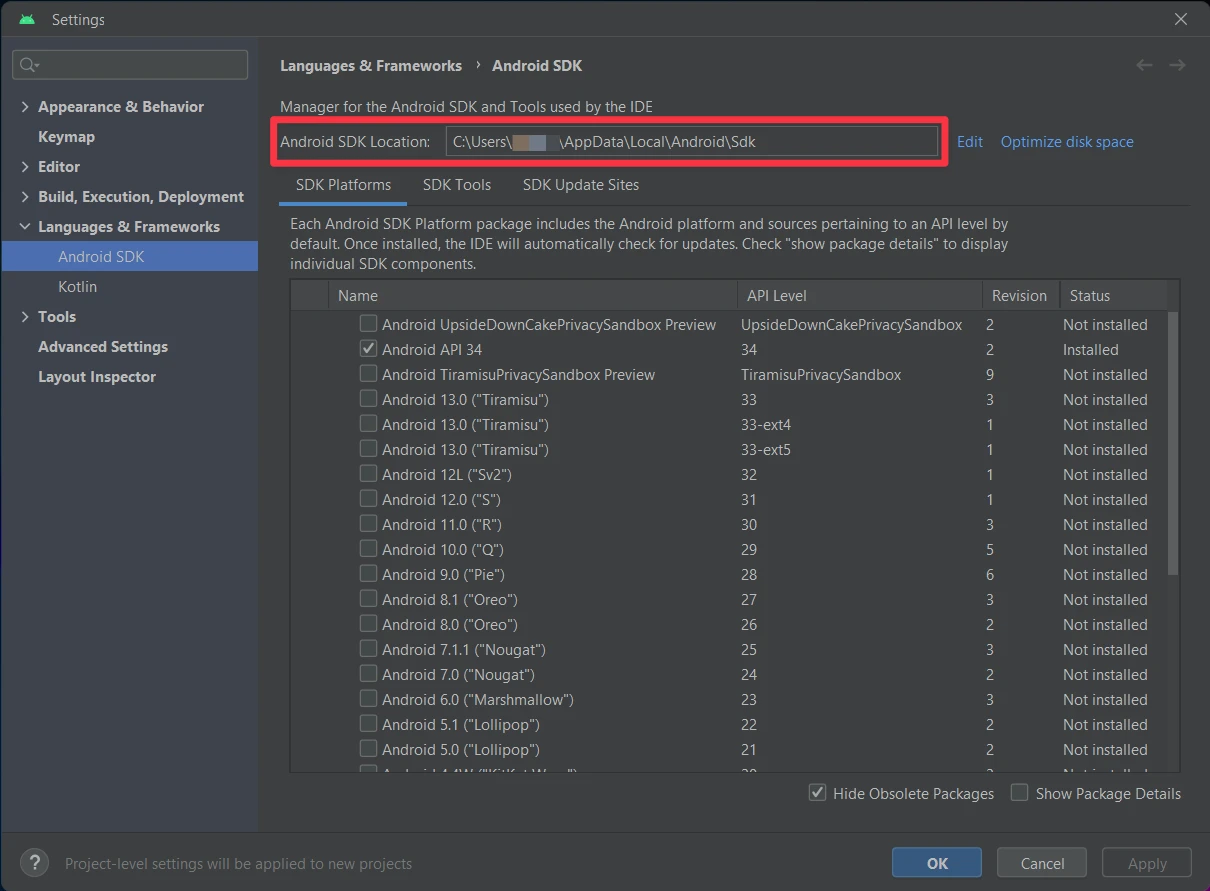
npx expo run:androidTo find the location of the SDK in Android Studio manually, go to Settings > Languages & Frameworks > Android SDK. See the location next to Android SDK Location.
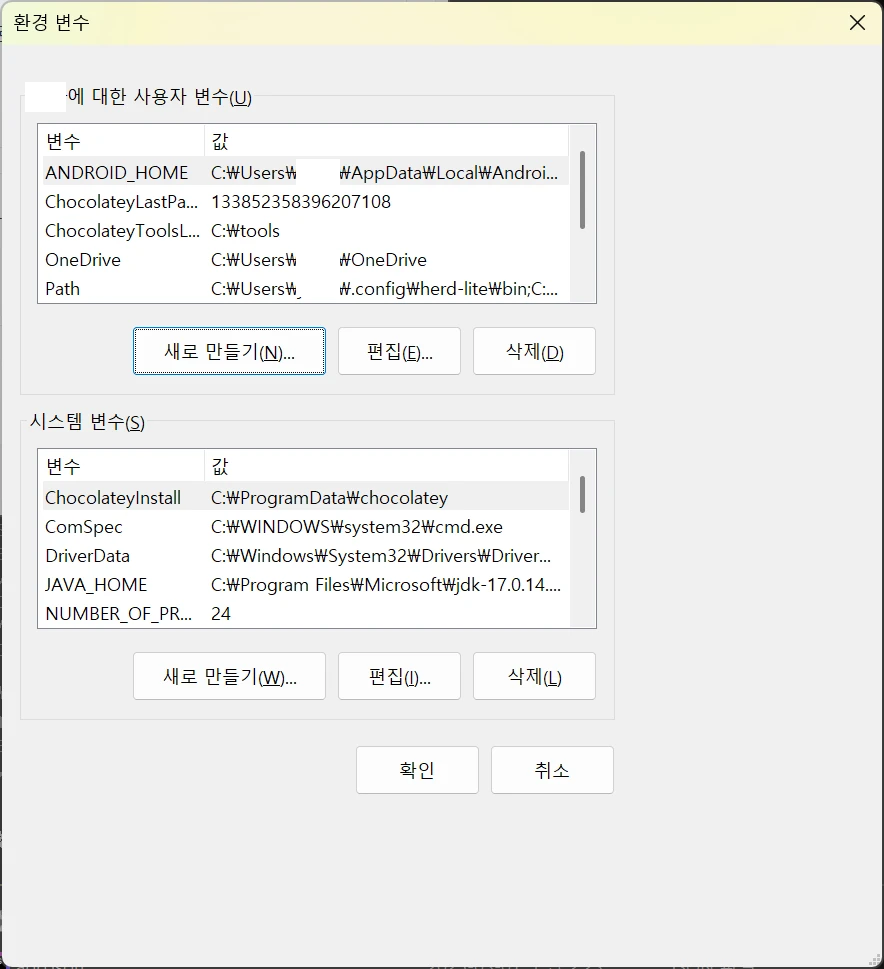
Computer (Properties) - Advanced system settings (System Properties) - User variables (New) >
변수 이름 : ANDROID_HOME
변수 값 : C:\Users\[USERNAME]\AppData\Local\Android\Sdk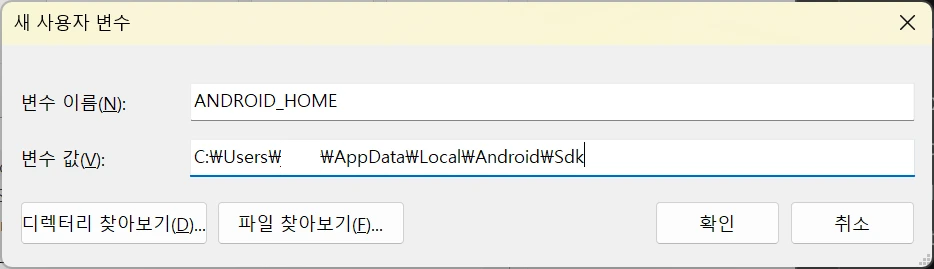
After setting it up like this, enter the npx expo run:android command to build successfully.
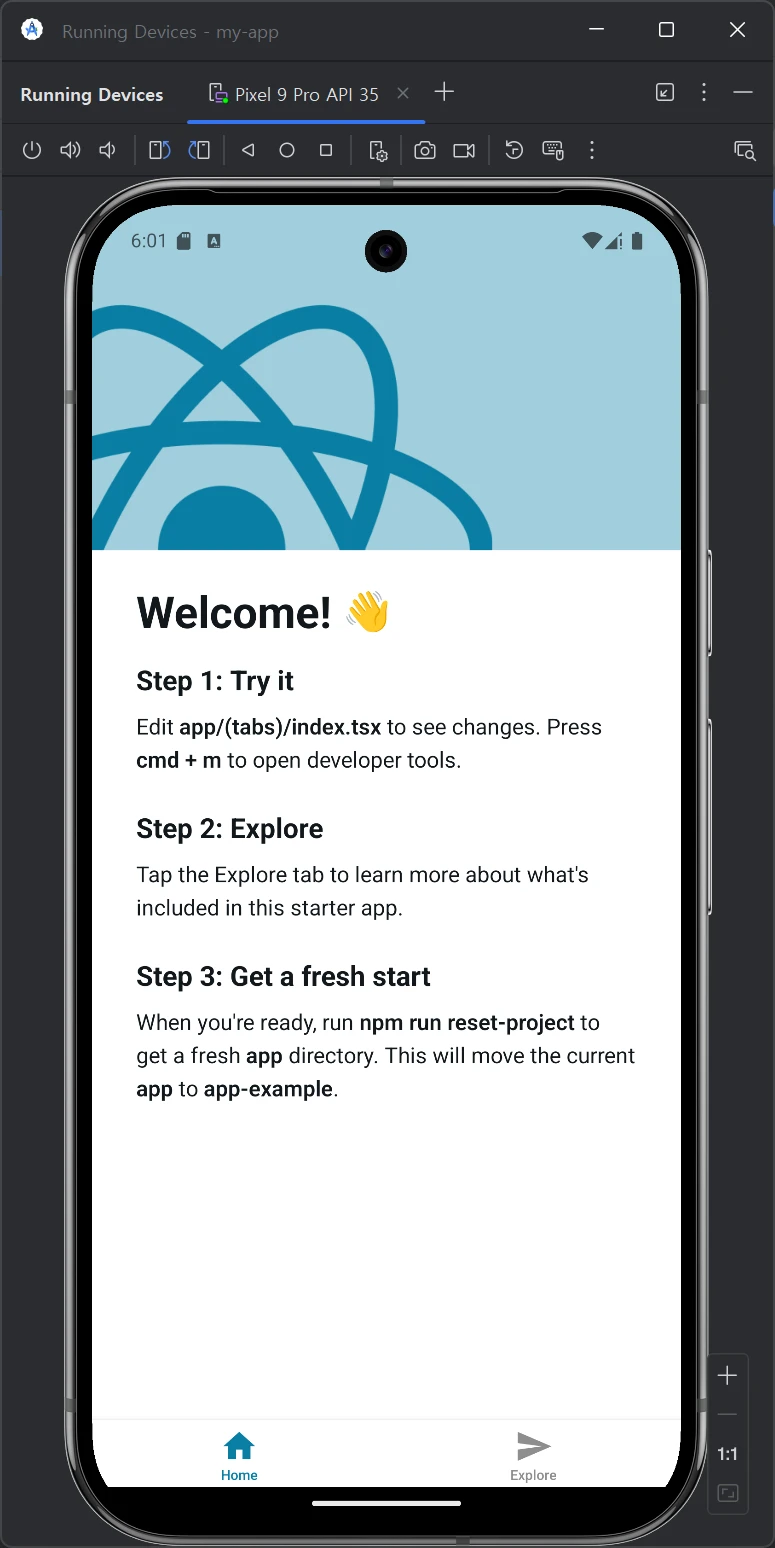
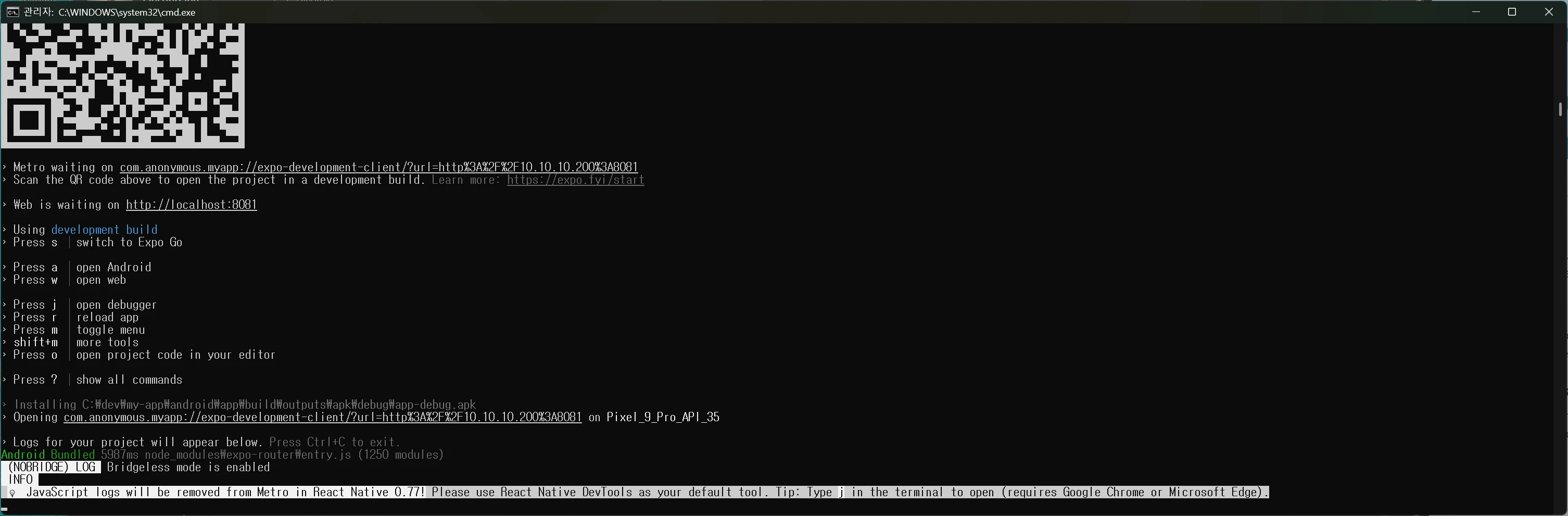 The Android emulator will then launch like this, and the build will succeed.