
Mapping the Backtick Key on macOS (Karabiner)
I recently started using a Mac, and there are times when I need to remap keys on it. For example, I use Windows a lot, and I tend to use the "`" backtick more t
GGAMI
I recently started using a Mac, and there are times when I need to remap keys on it.
For example, I use Windows a lot, and I tend to use the "`" backtick more than I expected.
As a result, when using the backtick, the problem is that on Windows the backtick key is to the left of the number 1, but on a MacBook, you have to press a key combination to type a backtick.
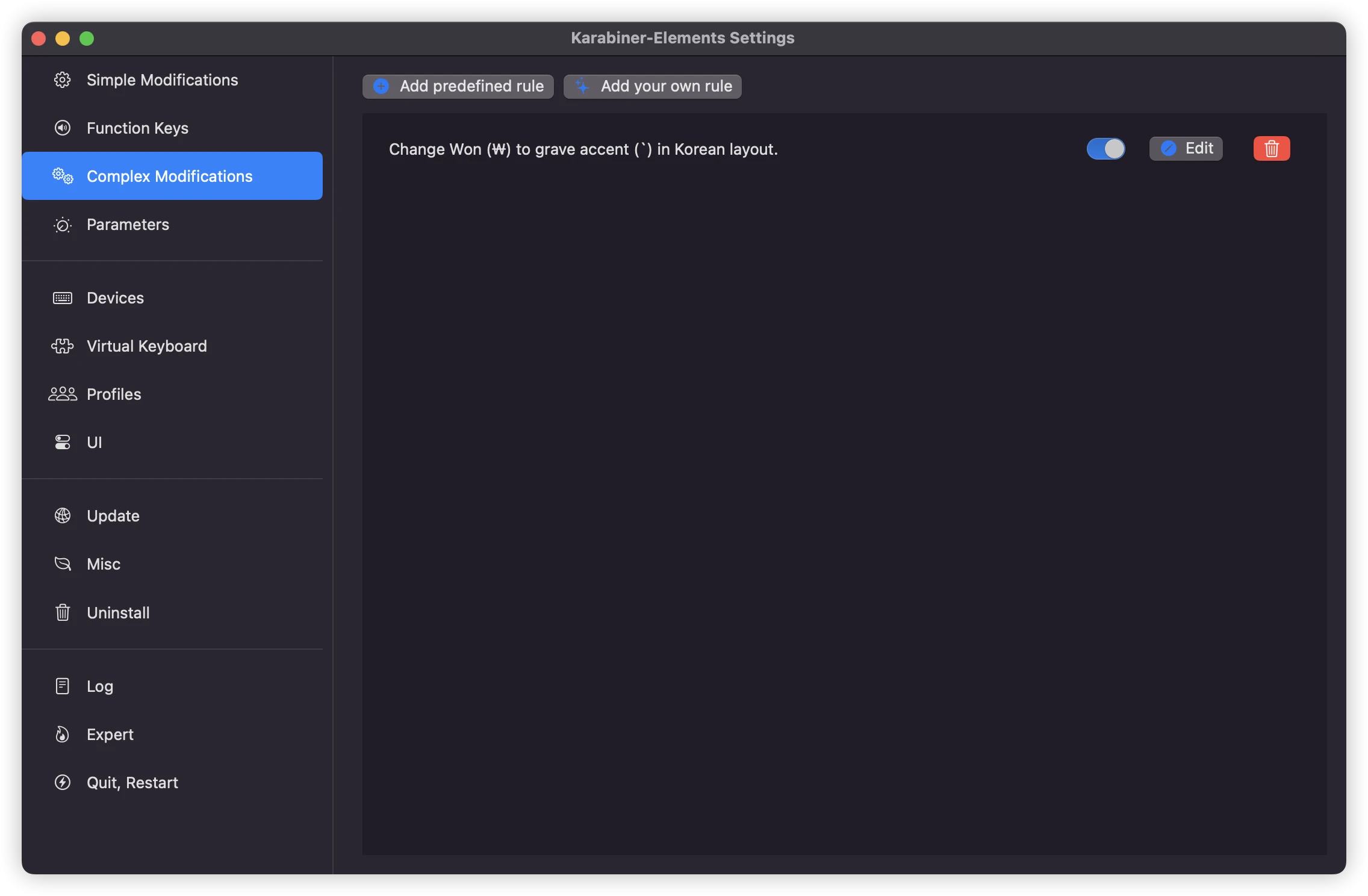
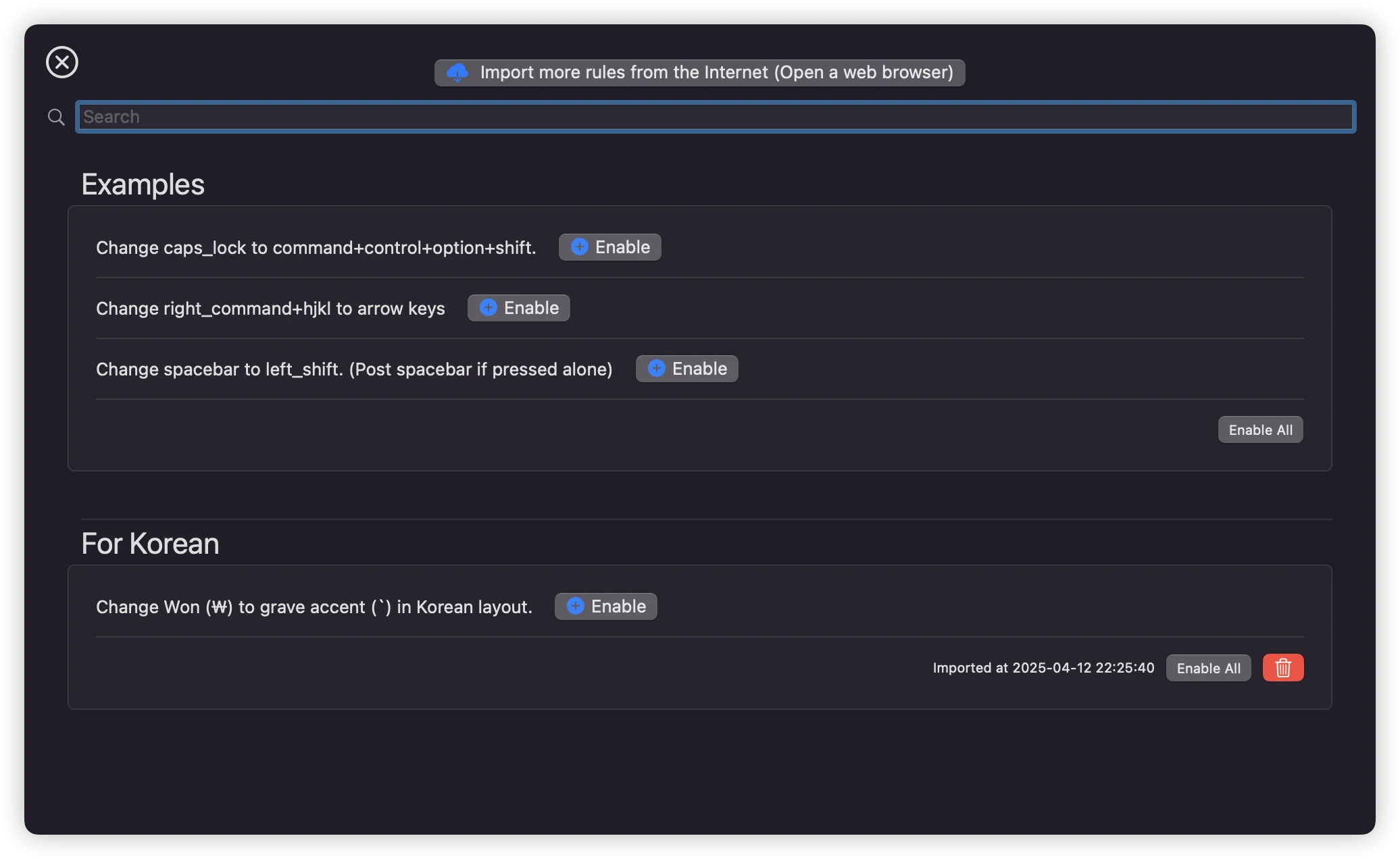
Since most Windows developers aren't used to keyboard shortcuts, I'll change the key mapping so that I can use the backtick key on a Mac too.
First, the application you'll need is Karabiner.
 In