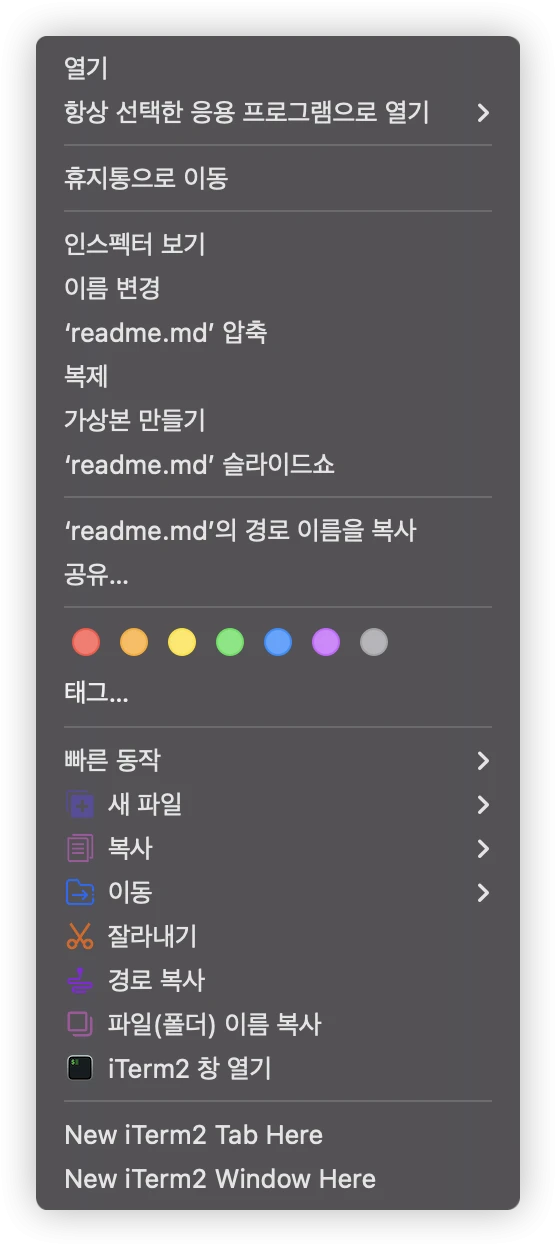
Open iTerm2 with a right-click on Mac (Paid App)
On Windows, I always opened the terminal with a right-click. You always have to navigate to a folder first and then open the terminal from that folder, because
GGAMI
On Windows, I always opened the terminal with a right-click.
You always have to navigate to a folder first and then open the terminal from that folder, because that way the terminal opens at that path.
Of course, you could navigate by typing cd, but I think moving to the folder first and doing it from there is much faster and more intuitive.
You can open the terminal with a right-click on Mac too, but the problem is that you have to install a paid app.
I even tried buying one that cost 14,000 won, but
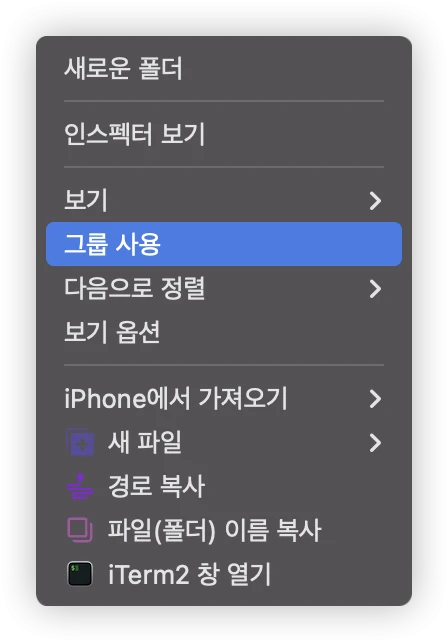 You can add the things you need to the right-click menu and use them like this.