
Make Backspace in Mac Finder work like the Back button in Windows (paid app)
In Mac Finder, pressing Backspace doesn't take you back. That's because the way it works on Mac is completely different from how it works on Windows. In my case
GGAMI
In Mac Finder, pressing Backspace doesn't take you back.
That's because the way it works on Mac is completely different from how it works on Windows.
In my case, though, I did a lot of development on Windows, so I often did my development using folders there.
Of course, sometimes I do things in the shell using commands like cd and pwd... but I think doing it through the UI is faster.
So, since I figured I'd be using Finder a lot for development on Mac too, I wanted to make the Back key work the same way and get rid of the inconvenience.
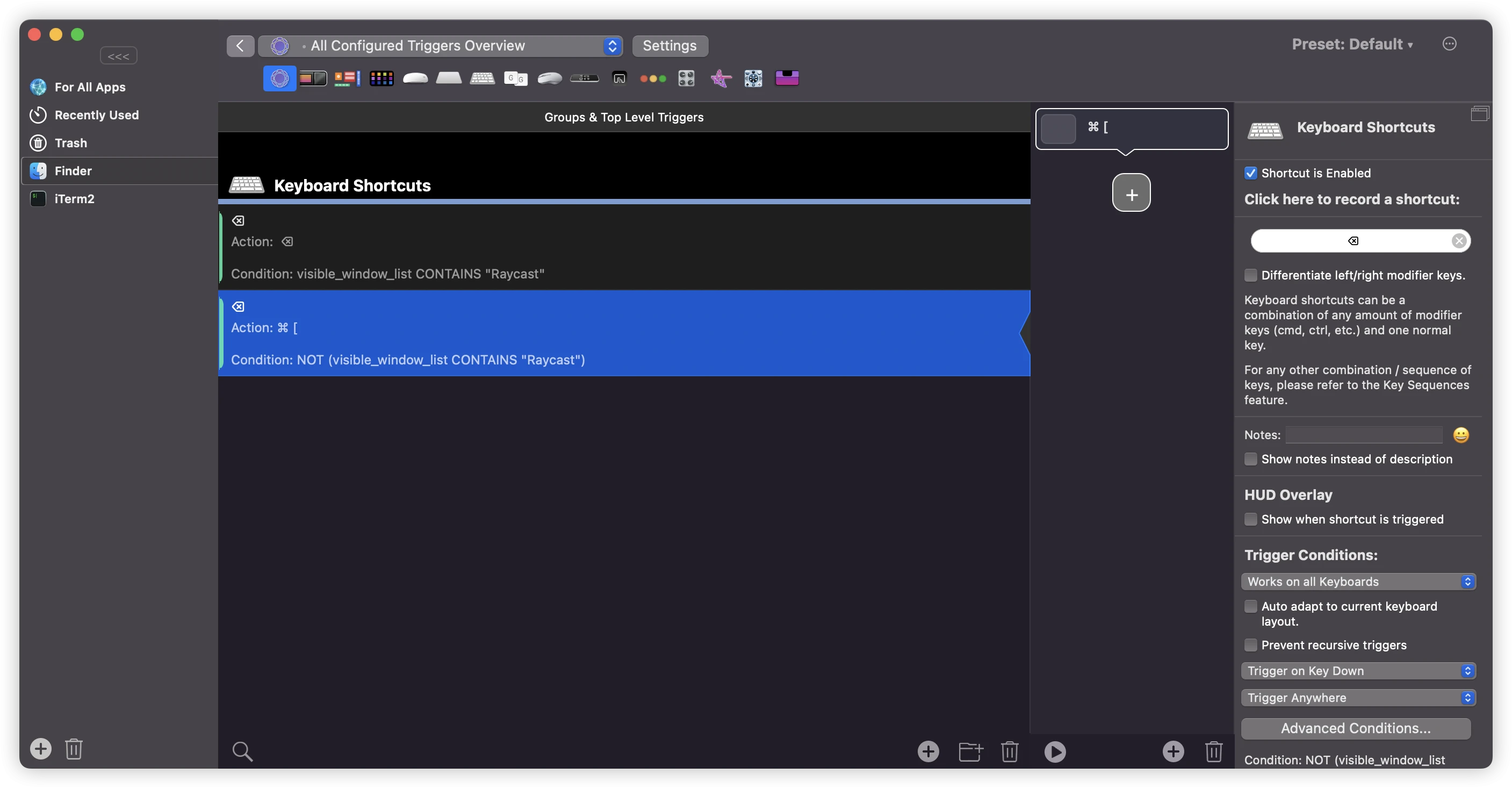 Set up the