
Change the PhpStorm import Intention key on Mac to match Windows
In PhpStorm, there are many occasions when you need to import something, especially as shown in the image below. But on Windows, the shortcut is alt + enter, wh
GGAMI
In PhpStorm, there are many occasions when you need to import something, especially as shown in the image below.
 But on Windows, the shortcut is alt + enter, while on Mac, it’s option + enter.
This is surprisingly quite inconvenient.
I’d like to change it to use the same key as Windows.
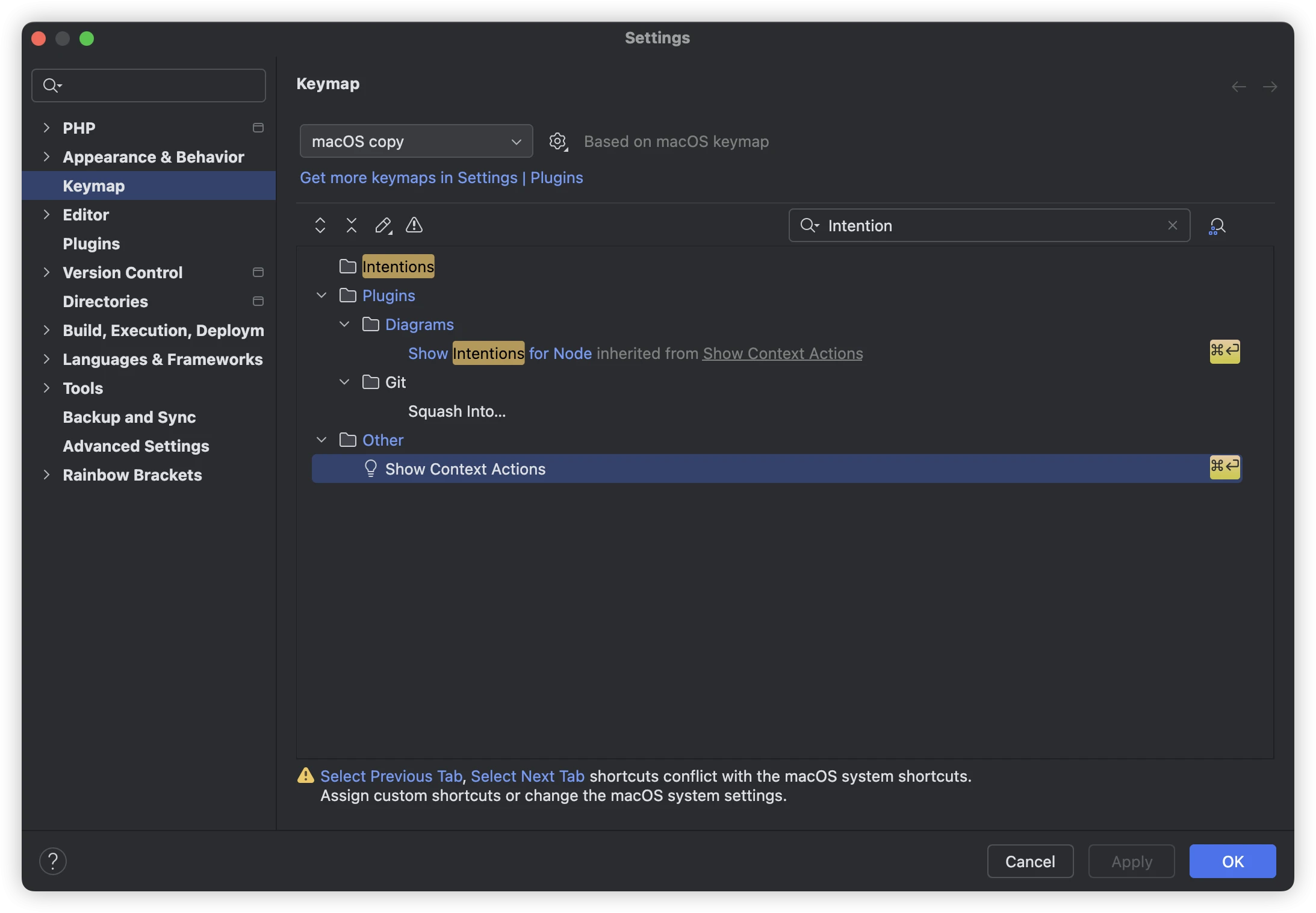
As shown in the image, search for 설정 under Keymap > Intention.