
HP8610 Depleted cartridges must be replaced to resume printing — not working.
This time, I decided to switch printers, and planned to put the printer I'd been using up for sale on Joonggonara. Depleted cartridges must be replaced to resum
GGAMI
This time, I decided to switch printers, and planned to put the printer I'd been using up for sale on Joonggonara. Depleted cartridges must be replaced to resum
This time, I decided to switch printers, and planned to put the printer I'd been using up for sale on Joonggonara.
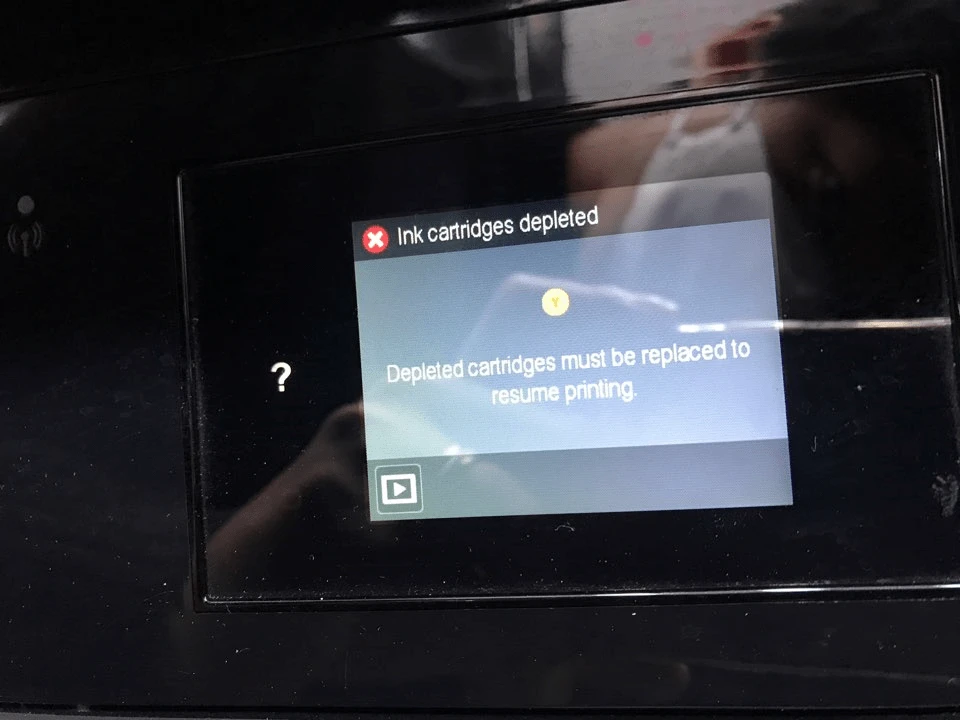
Depleted cartridges must be replaced to resume printing
But the error shown above appeared, and I couldn't resolve it.
When I asked the store where I bought the printer, they said it needed to recognize a genuine cartridge and then be reset. If that didn't work, they said the printhead was probably broken,
But I didn't really think the printhead was broken, because the printer had been working fine without any major problems.
So... I listed it on Joonggonara, and someone commented that the printhead cost 130,000 won and so on. Seeing that comment made me a little angry.
From the outset, I said it was a broken product, for repair or for parts, but is it really appropriate to come and interfere with someone else's business by saying the price isn't right and so on...?
If it had been something I couldn't sell, I would have smashed it with a hammer and thrown it away.
If it was unusable, it wouldn't be worth selling secondhand anyway.
So, in my anger, I decided that if I was going to sell it, I might as well fix it first.
Honestly, fixing it would mean testing the printer again and getting ink all over my hands, and I didn't want to do that. I just wanted to sell it as a broken product for repair or for parts.
The message “Depleted cartridges must be replaced to resume printing” appears,
and when I turn it on, the date selection screen appears; as soon as I press Next, it says there's a problem with the ink cartridges.
When I turn it on, even if I don't press anything on the date selection screen, after a while it says there's a problem with the ink cartridges.
The store said I should install a genuine ink cartridge and see if the printer recognizes it. If that didn't work, the printhead could be broken, and I might have to get the printer inspected.
But borrowing genuine ink cartridges and going back and forth would cost 5,000 won to start with (that's fine since it isn't a lot).
It would take up my time, and receiving the package, fixing it, and packing it up would also take time. I found that tedious and didn't want to do it.
So I searched and found this method.
https://m.blog.naver.com/dleoguq7/221307783768
1. With the power OFF, hold down the power button for 10 seconds. (The light above the USB port on the right will turn on.)
2. Release the power button.
3. The three panel buttons will light up, and nothing else will happen.
4. Press and hold the Home, Back, Home, and Home buttons in order (hold the last one for about 3–5 seconds, and the screen will change).
5. Click Menu.
6. Press Next to find OOB RESET.
7. Press OK.
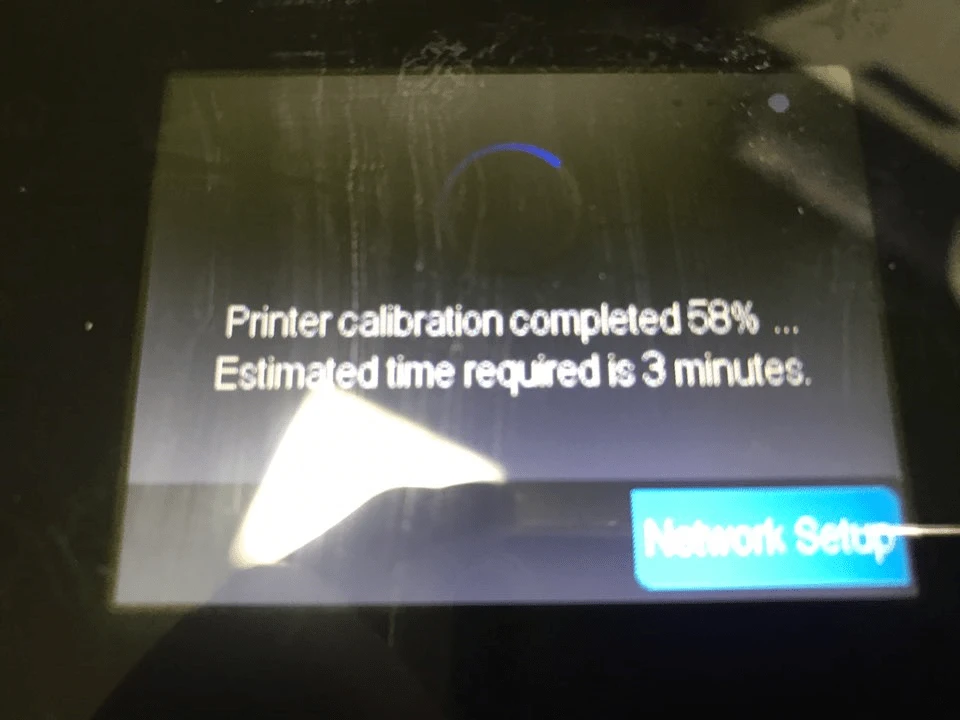
Then you set things like the country, language, and time? and it proceeds to a screen like this.
Using the factory reset, I was able to get the printer to recognize the ink cartridges normally without having to use a genuine cartridge, and fixed the problem without any issues.
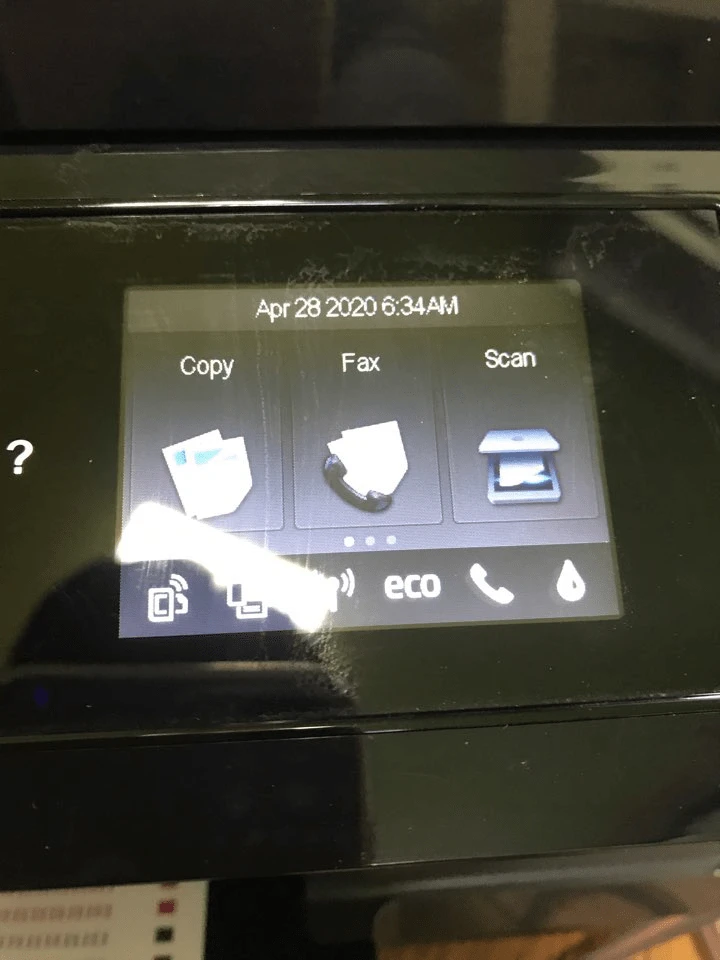
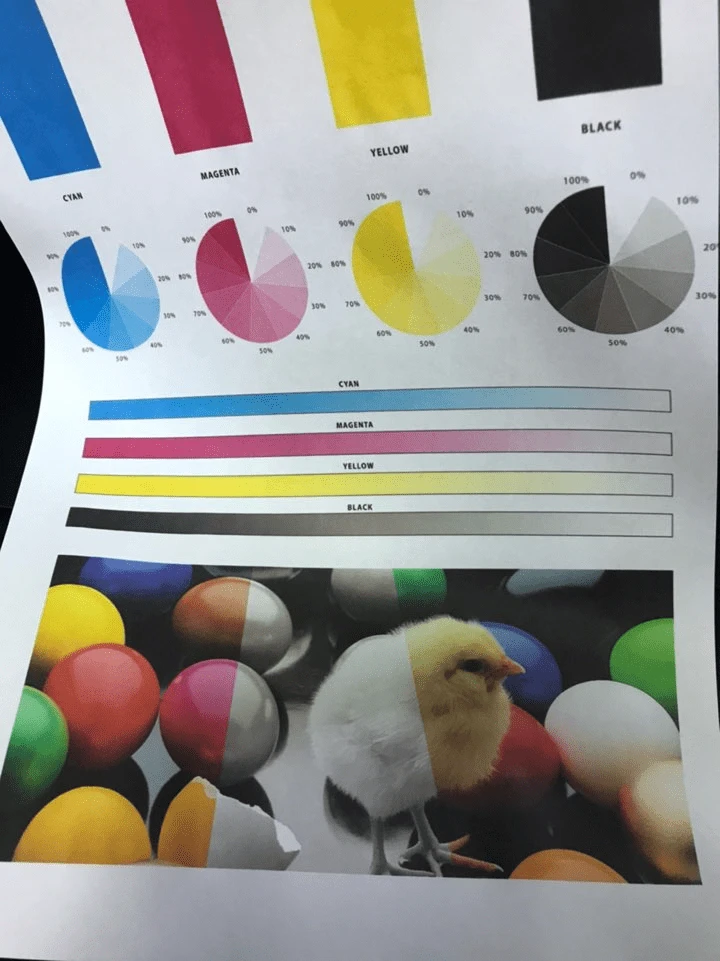
I'm not a professional printer repair technician, but the most annoying thing about repairing a printer is that you end up with a lot of ink on your hands.
The end.
I was thinking that if resetting it using the commonly known methods doesn't work, maybe a “factory reset” could resolve it more reliably...
I had also factory-reset my Surface Pro recently, so...